Easy Asset Catalog
A downloadable tool
Easy Asset Catalog
Easy Asset Catalog is a FREE desktop tool for organizing and browsing your local asset libraries.
If you are anything like me, you probably have thousands and thousands of assets sitting somewhere on your drive.
Textures, models, sound effects, icons, sprites, old asset packs, unfinished folders, “useful later” downloads… and then one day you need one specific thing, and finding it becomes a small nightmare. Sometimes I would even discover assets I completely forgot I had.
Easy Asset Catalog was made for that exact problem.
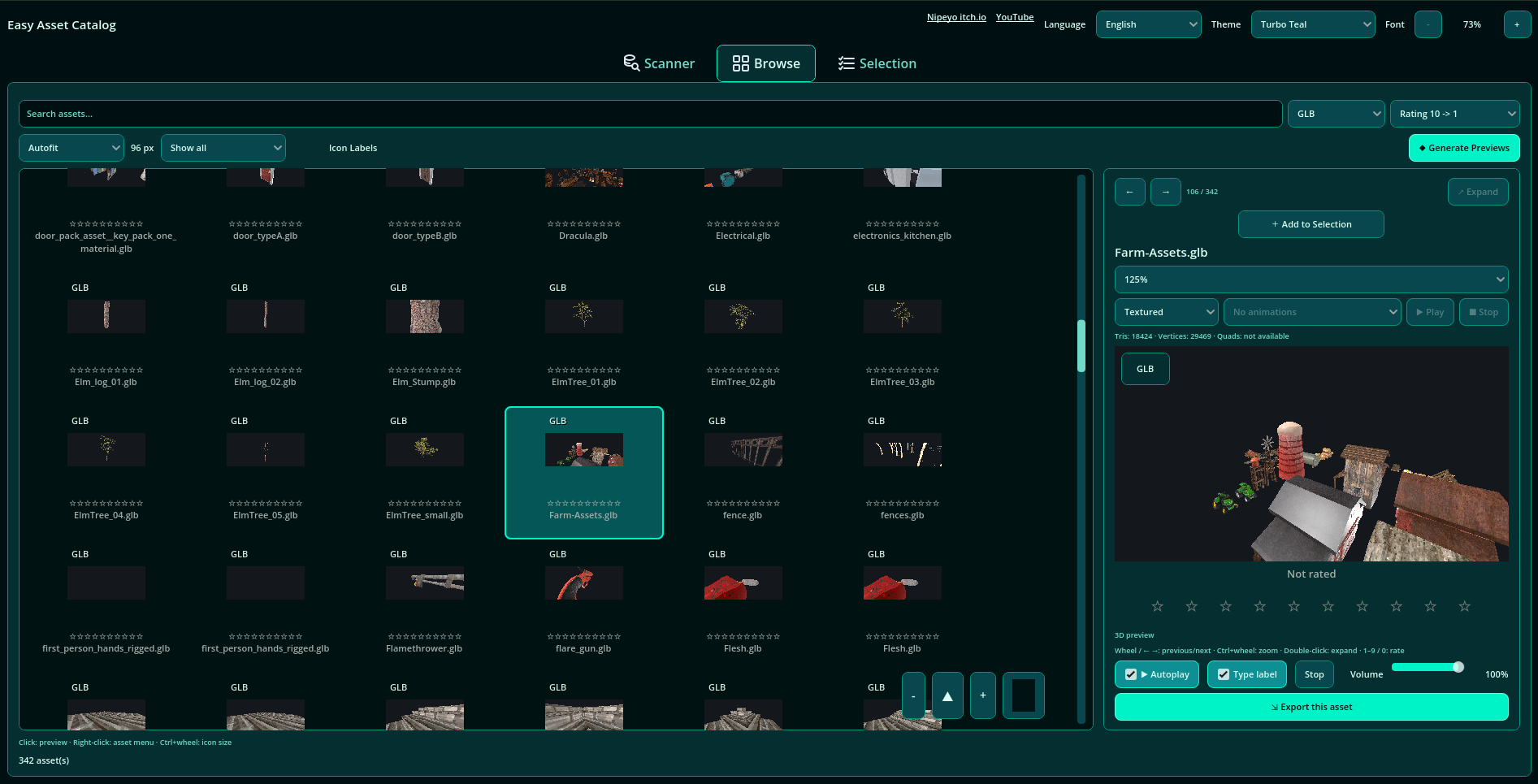
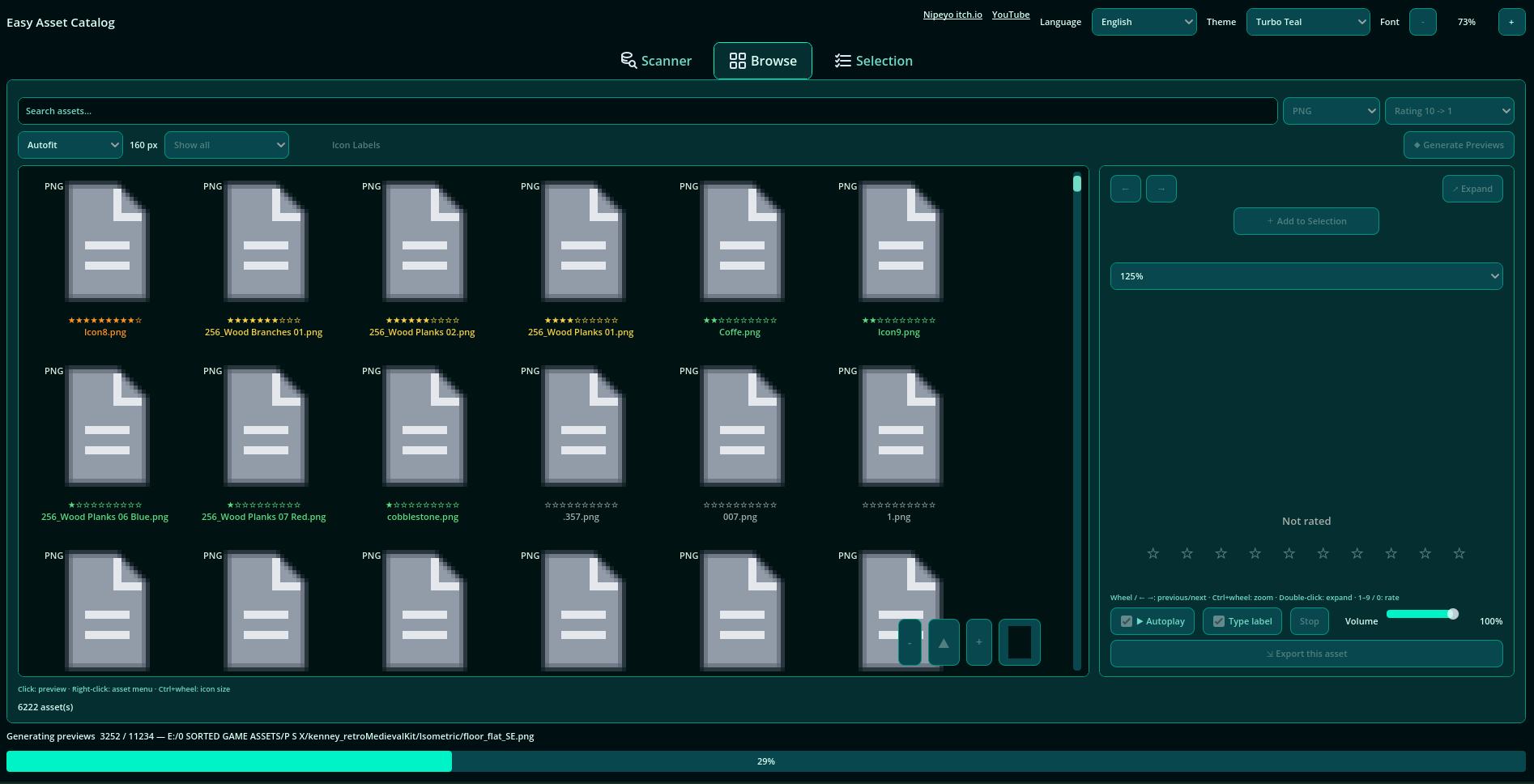
It scans your local asset folders and turns them into a searchable visual catalog. You can browse your assets, preview them, play animations from supported 3D model files, tag them, rate them, make selections, and export the files you want to use.
The goal is not to replace your game engine or your file manager. It is just a faster, cleaner way to understand what you already have.
What you can do
- Create local asset catalogs
- Add folders from your drive
- Refresh the catalog when files change
- Browse assets in a visual grid
- Search and filter by type, folder, and tags
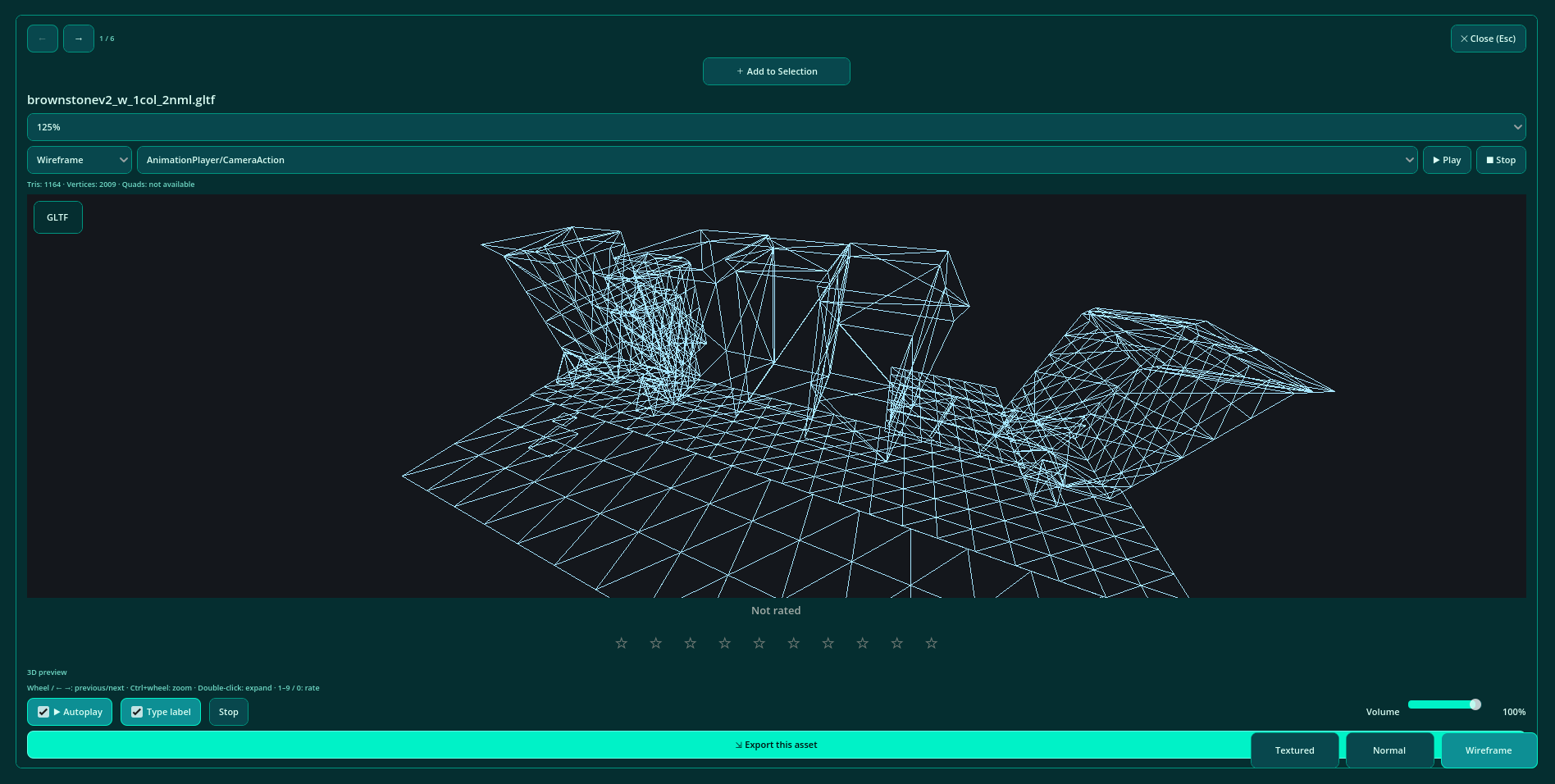
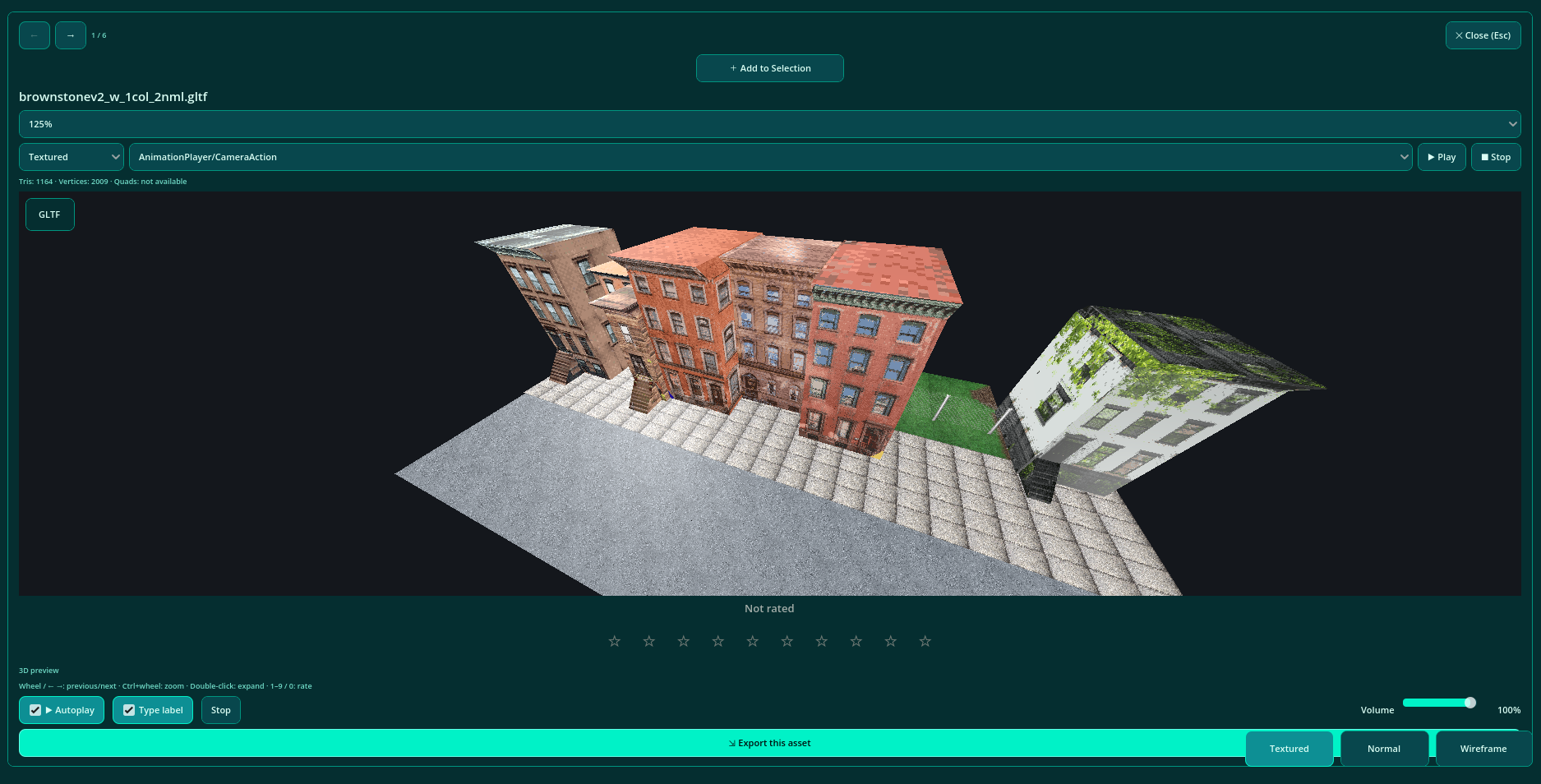
- Preview images, audio, and 3D models
- Play animations from supported 3D model files
- Rate assets from 1 to 10 stars
- Add and manage tags
- Create selections of useful assets
- Export a single asset or a selection
- Change themes and UI language
Recommended workflow
For better organization, I recommend separating your catalogs.
Instead of putting everything into one huge catalog, it is usually cleaner to create different catalogs for different asset types or collections. For example, one catalog for 3D models, one for textures, one for audio, one for UI icons, and so on.
You can still organize things however you want, but separate catalogs make browsing easier and keep each library more focused.
What it does not do
Easy Asset Catalog does not delete, move, rename, or modify your original asset files.
It is made for browsing and organizing your library safely. When you export assets, the program copies files into the destination you choose. Your original files stay where they are.
So the workflow is simple: find useful assets, add them to a selection, and export/copy the selected files when you need them.
Supported formats
Images: PNG, JPG, JPEG, WebP, GIF indexing Audio: WAV, OGG, MP3 Models: GLB, GLTF, FBX, OBJ
Note about large libraries
If you have a lot of assets, the first catalog scan can take some time.
The catalog data and previews can also take disk space, especially with very large libraries. In some cases, a catalog folder can grow quite large, even several GB.
But that is the tradeoff: a bit more disk space and some waiting during cataloging, in exchange for much faster browsing, searching, filtering, previewing, tagging, and rating later.
For me, that tradeoff is worth it. I would rather spend disk space on a useful catalog than keep losing time every time I need to find one specific asset hidden somewhere in a giant folder collection.
Local and simple
Easy Asset Catalog stores catalogs locally using SQLite.
No account, no server, no cloud requirement.
Download
Click download now to get access to the following files:
Leave a comment
Log in with itch.io to leave a comment.